Thursday, November 16, 2023

Creating a Website : Portfolio Gallery page

I created my Portfolio front page, I did this so that I could add projects as I go through the year. My first step was to click on the left hand menu and click on 'Pages and Menu'. I then went to Portfolio and removed the template collection and associated links.


I then added my new image to the page and added a 'button' I did this by going to the plus sign in the menu on the left hand side and then going to 'Button' and then dragging and dropping into my page
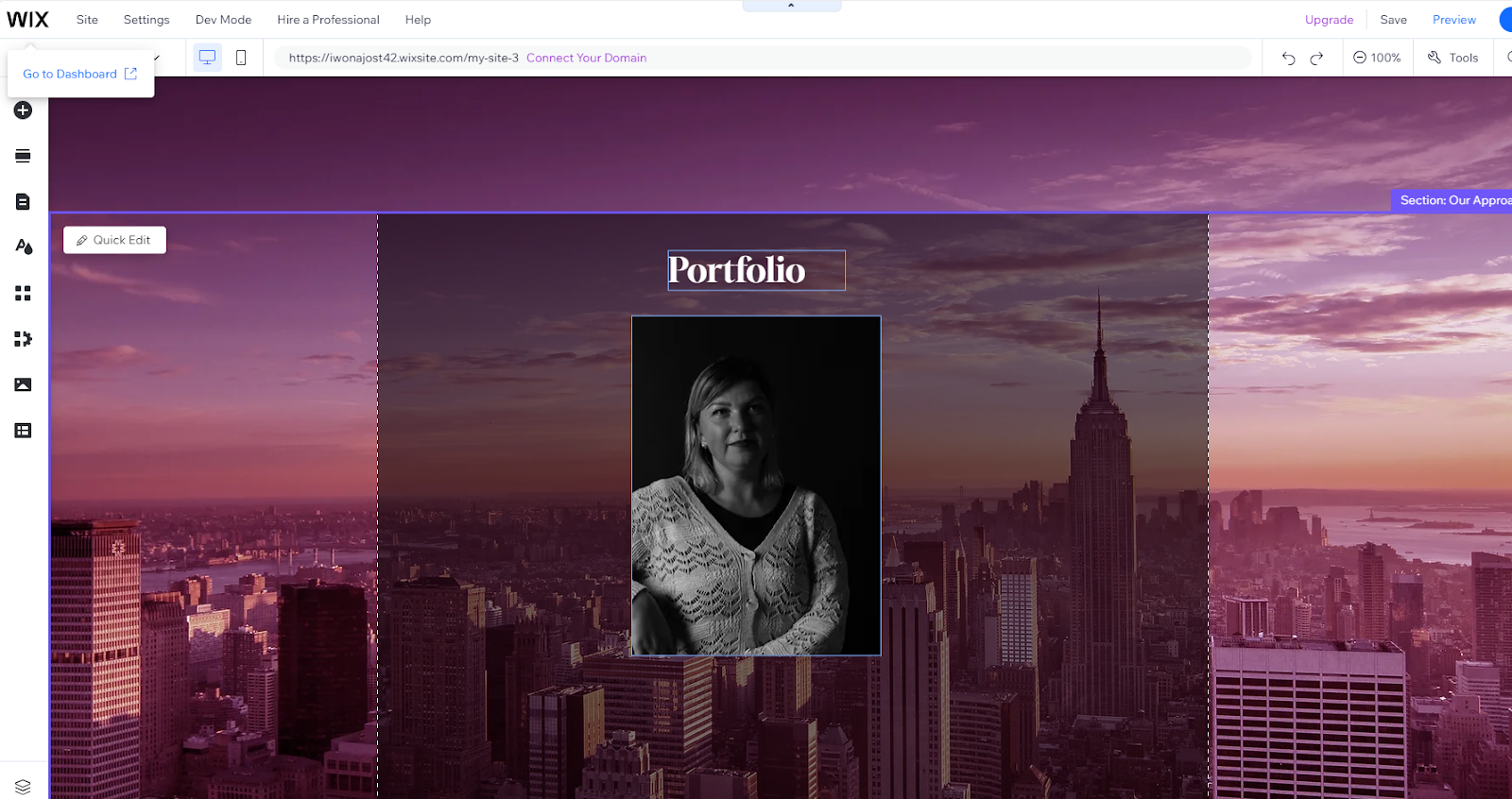


I then went to the menu and added a new page which will be my project page for this term I renamed it 'Buddhism in China' and then dragged it under the Portfolio and made this into a subpage. I then went back to back to the button and added a link to the button to my project page


I then added a 'Back to Portfolio Button on my project page and changed the font and colour to make sure it was clear that this was a button to return to my front portfolio page. I previewed and tested this to make sure it worked


I have updated my Home page with the new image and I added the quote so it fills my photo with inspirational text.


I also added the mobile view to see how it looks like on a mobile phone and if everything looks nice and clear.


Wednesday, November 15, 2023

Ideal Customer : Mindfulness


In this post, I am showing my ideal customer for Mindfulness magazine. I crated it my own customer who will be interested in my own work. Click on the link and you should be able to view the published version on Venngage.


Website Research:

This website research will assist me in understanding how to create my own website so I will consider the overall design, colour's, and typography, navigation, usability/user-friendliness, links and mobile view.


REFERENCES:

Lion’s Roar: Buddhist Wisdom for Our Time - Lion’s Roar (no date). Available at: https://www.lionsroar.com/.

Spirituality+Health (no date) Spirituality+Health. Available at: https://www.spiritualityhealth.com/magazine-issues (Accessed: 6 December 2023).


Wednesday, November 8, 2023

software practice: magazine cover


I went to visme website then chose the magazine cover. I changed the image. 


Monday, November 6, 2023

Software Practice Photoshop: Portfolio Concept

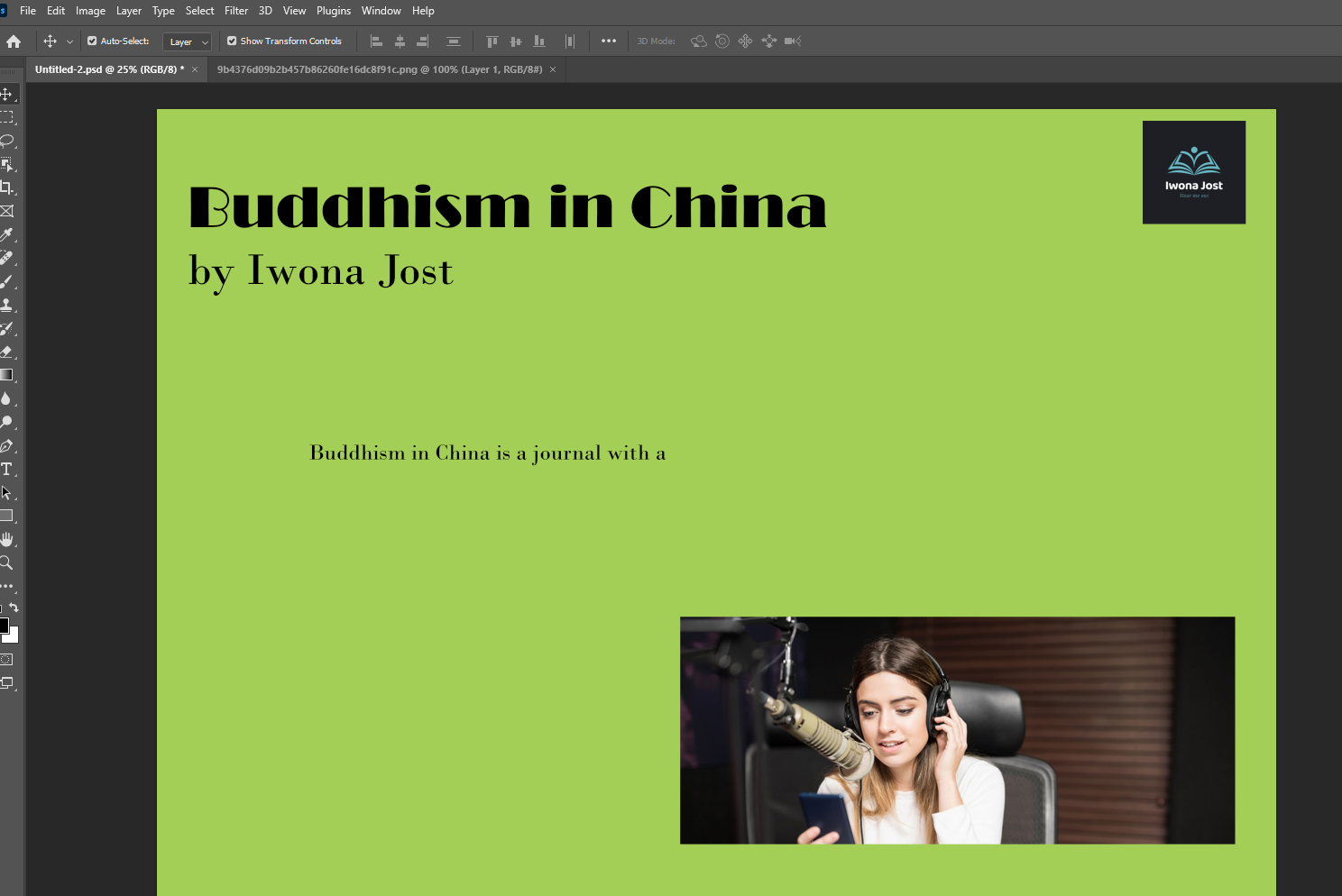
 I am creating portfolio introduction page with the concept of project on Photoshop. I created a green canvas to work on. I did that by opening the Photoshop and clicked on "file" then "new"


Then I added an image from my desktop by clicking on File and then Open. I then went to Select on the top menu and then Select All and then I went to Edit at the top of the menu and 


Then I changed the background and added text 


Then I used the text tool and clicked onto the canvas and changed the size 24pts and kept the font the same . I the wrote my introduction to my project.


Wednesday, November 1, 2023

Creating website: About me


Iwona came to UK for couple of years to study English but then decided to stay and explore the world. She travelled quite a lot. She had a big opportunities to travel to places such as Maldives, India, Spain, Italy, Germany, Holland, Norway, France but that's definitely not the end of it.

Iwona has a dream to travel the world and explore more in the future. She is passionate to learn other languages and to find more about other different cultures that is why she choose Media and Communication with Mandarin. That would be another language she speak apart from some understanding of few others. 

She is the person who would fall down thousand of times but she would always get up and never give  up. She trust her intuition and follow it. Nothing will stop her when she really wants something.


I completed and then I added this to my website by clicking on the right hand menu and going into my 'About' page. I then copied and pasted my test in from blogger to the website page and changed the font to match my fonts on the page. That's the final page:


Then I have checked my my mobile view and it looks like that.


Creating a Website: Contact page & Social link

 I added a new contact and deleted the old one and then I went to settings and email notifications and set the notifications to my email.


Then I changed 'contact us' to 'Get in touch'  


That's how it looks on a mobile view.


I used the add button on the left hand menu to add social links icons. I then clicked into the social icons and deleted ones I did not need. I then I added the links by clicking on the ones I was using; the Blogger.


Children photography

Sally Mann photography is challenging the audience. Her artistic children photography is enigmatic and controversial. '' Described b...